
Stocks Rise as Gold Price Tops $5,000 | Gold Price Rise in Pakistan Explained
January 26, 2026
Android 17 Leaks Reveal System Blur UI and Smarter Screen Recording Features
January 27, 2026

WhatsApp Brings Thinking Mode in Meta AI for More Reasoned Answers: Explore Insights Here
WhatsApp is preparing a major upgrade to its in-app artificial intelligence experience as Meta AI introduces a new thinking mode designed to deliver more reasoned, structured, and context-aware answers. The update marks an important step in WhatsApp’s broader push to transform its AI assistant from a quick-reply tool into a more intelligent digital companion.
As artificial intelligence becomes more deeply embedded in everyday communication, WhatsApp aims to make WhatsApp AI more useful for users who seek clarity, logic, and deeper explanations rather than instant but shallow responses.
What Is Thinking Mode in Meta AI?
The newly introduced thinking mode allows Meta AI WhatsApp to process queries with greater depth. Instead of generating fast responses only, the AI takes extra time to analyze user intent, evaluate context, and provide step-by-step answers.
This upgrade focuses on reasoning rather than speed. Users asking complex questions, comparisons, explanations, or planning-based queries can expect more thoughtful outputs.
The feature reflects Meta’s growing emphasis on quality AI interactions inside messaging platforms.
Why WhatsApp Introduced Thinking Mode
WhatsApp observed that many users rely on AI for learning, decision-making, and problem solving. Quick replies work well for simple questions, but they often fall short when users need logical breakdowns or detailed explanations.
By launching thinking mode, WhatsApp strengthens Meta AI’s ability to:
- Handle complex questions
- Offer structured responses
- Reduce vague or incomplete answers
- Improve overall trust in AI output
This move positions meta ai whatsapp closer to advanced reasoning assistants rather than basic chatbots.
How Meta AI Works Inside WhatsApp
Meta AI operates directly within the WhatsApp interface. Users can interact with it just like a regular chat. There is no need to leave the app or install a separate service.
Once activated, users can ask questions, request explanations, or seek assistance. With thinking mode enabled, Meta AI focuses on accuracy, clarity, and reasoning.
This evolution highlights WhatsApp’s strategy to blend communication and intelligence seamlessly.
How to Use Meta AI in WhatsApp
Many users search for how to use meta ai in whatsapp, and the process remains simple:
- Update WhatsApp to the latest version
- Open WhatsApp and locate the Meta AI option
- Start a chat with Meta AI
- Type your question or request
- Enable thinking mode when available for deeper responses
Once active, users can experience a noticeable difference in answer quality.
Meta AI WhatsApp Available Countries
One of the most common questions remains whatsapp meta ai available countries. Meta is rolling out the feature gradually across multiple regions.
Meta AI is already accessible in several countries, including parts of Asia, North America, Europe, and Africa. Availability depends on region, language support, and app version.
Users in unsupported regions may need to wait as Meta continues its phased expansion.
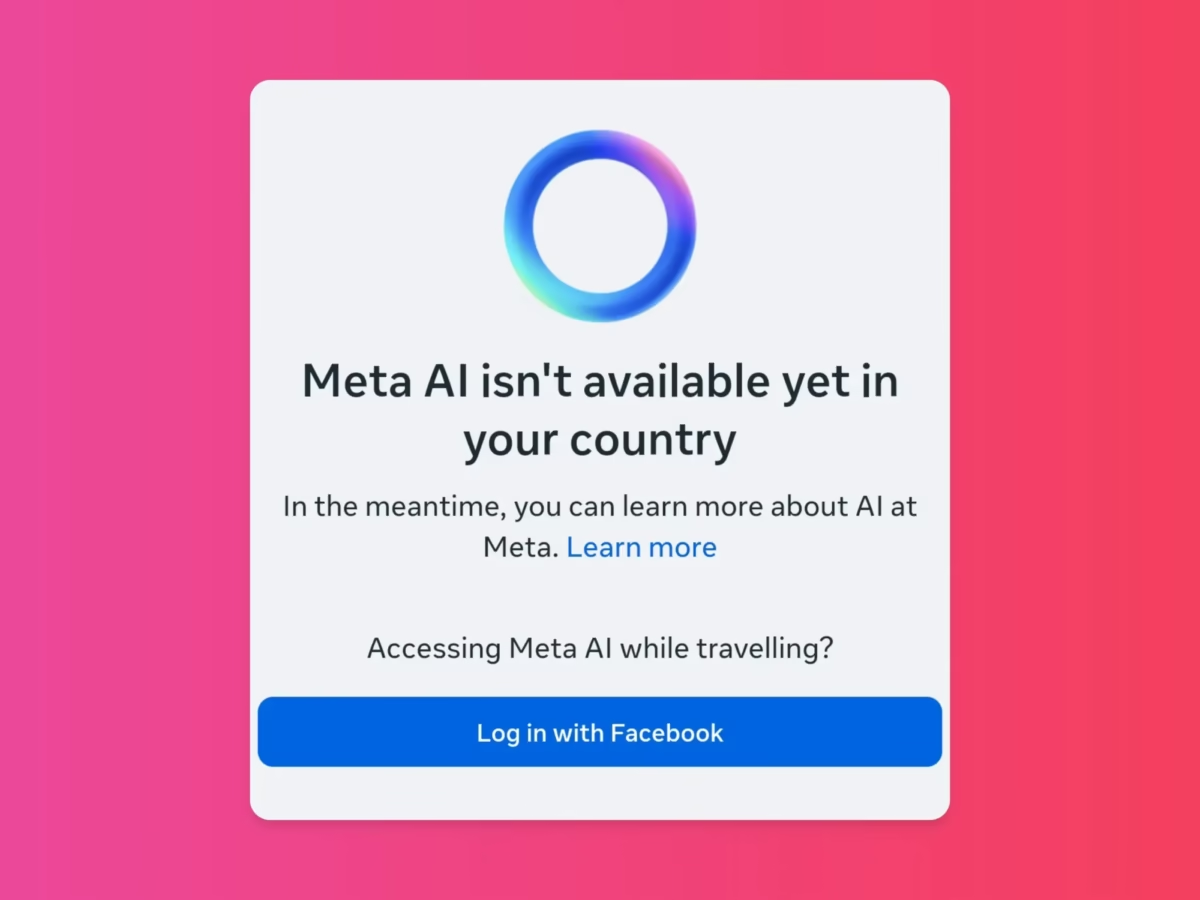
Why Meta AI Not Showing in WhatsApp for Some Users
Many users report meta ai not showing in whatsapp, even after updating the app. This issue usually occurs due to:
- Regional rollout delays
- Outdated app versions
- Device compatibility limitations
- Server-side activation timing
WhatsApp activates new features gradually, so not all users receive access at the same time.
Meta AI WhatsApp Download: Is It Separate?
There is no separate meta ai whatsapp download. Meta AI comes built-in with WhatsApp updates. Users only need to install the latest version of WhatsApp from their app store.
Once enabled, the AI assistant appears automatically in the interface.
WhatsApp AI and User Privacy
WhatsApp continues to emphasize privacy as a core feature. While whatsapp ai processes queries to generate responses, Meta states that user privacy protections remain in place.
The company aims to balance intelligent assistance with data security, ensuring trust among users.
Meta AI WhatsApp Number Explained
Some users search for meta ai whatsapp number or meta ai whatsapp number free. Meta AI does not require a separate phone number.
It functions as an integrated assistant within WhatsApp. Users access it directly without saving any external contact or paying extra fees.
What Thinking Mode Means for the Future of WhatsApp
Thinking mode represents a shift in how messaging platforms use AI. WhatsApp is no longer just a communication app; it is becoming a smart utility platform.
Future updates may expand Meta AI’s abilities to include:
- Advanced planning tools
- Improved learning support
- Business assistance features
- Smarter contextual replies
This evolution positions WhatsApp as a leader in AI-powered messaging.
User Expectations and Market Impact
Early reactions suggest strong interest in reasoning-based AI responses. Users increasingly prefer accuracy over speed, especially for important questions.
Thinking mode could redefine how millions interact with AI daily, directly from their most-used messaging app.
FAQs
What is thinking mode in Meta AI WhatsApp?
Thinking mode allows Meta AI to generate more detailed, logical, and reasoned answers instead of quick replies.
How do I enable Meta AI in WhatsApp?
Update WhatsApp to the latest version and access Meta AI directly from the app interface.
Why is Meta AI not showing in WhatsApp?
The feature may not be available in your region yet or your app version may be outdated.
Elevate Your Brand with MasterInDesign
Don’t let your business get left behind in today’s fast-paced digital world. At MasterInDesign, we specialize in helping brands stand out, engage audiences, and grow online.
Take the next step toward digital excellence. Contact us today and transform your brand into a powerful online