Galaxy S26 2026: Samsung Exynos 2600 vs Snapdragon
December 29, 2025
Bangladesh Mourns Khaleda Zia, Former PM Dies at 79
December 30, 2025
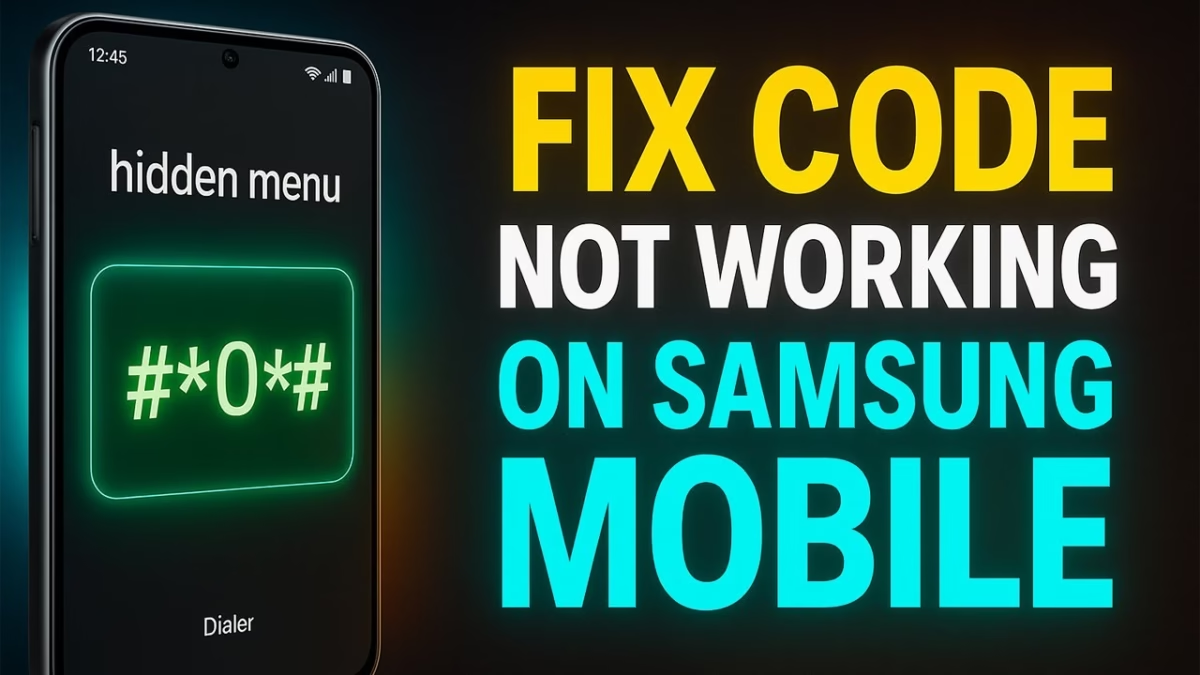
*Samsung # Codes Not Working? Complete Guide for Galaxy Phones & Tablets
Many Samsung users complain that *Samsung #06# not working or other *Samsung # codes are no longer functioning on newer devices. These secret dialer codes were once widely used to check IMEI numbers, battery health, firmware versions, and system diagnostics. However, with recent updates to One UI and Android security policies, several Samsung codes have stopped working on modern Galaxy smartphones and tablets.
This article explains *why Samsung # codes don’t work, which codes still function, and what alternatives you can use on devices like Samsung Galaxy S24 Ultra, S25 Ultra, S23, S24, S25, Samsung A16, and Samsung tablets.
*What Are Samsung # Codes?
Samsung *# codes (also known as secret dialer codes) are special numeric commands entered through the phone dialer. These codes give access to hidden system menus used for:
- Checking IMEI numbers
- Viewing firmware versions
- Testing battery health
- Running hardware diagnostics
- Accessing system logs
Popular Samsung codes include:
- *Samsung #06# – IMEI number
- *Samsung #9900# – System dump / log menu
- *Samsung #0228# – Battery status
- *Samsung #1234# – Firmware details
- Samsung ##4636## – Phone information & network stats
- Samsung #12580 – Hardware test menu (older models)
*Why Is Samsung #06# Not Working?
The issue of *Samsung #06# not working has become common after recent One UI updates. Here are the main reasons:
1. Security Restrictions
Samsung has restricted several diagnostic codes to prevent misuse and protect user data. This especially affects IMEI-related and system-level commands.
2. One UI & Android Updates
New versions of One UI disable older codes that were designed for earlier Android versions. Devices like Samsung Galaxy S24 Ultra and Samsung S25 Ultra are more affected.
3. Carrier Locking
Some carriers block certain Samsung *# codes, particularly on locked or region-specific devices.
4. Dialer App Limitations
Samsung’s default dialer may restrict code execution. Third-party dialers usually don’t support secret codes either.
*Samsung # Codes That Still Work (Limited)
While many codes are blocked, a few may still work depending on the device:
- *Samsung #1234# – Firmware version (works on some Galaxy models)
- *Samsung #06# – IMEI (partially restricted but often accessible via settings)
- *Samsung #0228# – Battery info (mostly disabled on new phones)
On older devices like Samsung S23 or mid-range models, some of these codes may still function.
*Samsung #9900# Not Working – What Happened?
The *Samsung #9900# code was used to access system logs and debugging tools. On newer devices such as Samsung Galaxy S24, S25, and Galaxy S25 Ultra, this menu is mostly disabled.
Samsung removed access because:
- System logs expose sensitive data
- Users accidentally modified critical settings
- Increased security risks
Now, only authorized service tools can access these features.
Samsung ##4636## Code Explained
The Samsung ##4636## code shows phone information, network stats, and usage data. This code is part of Android itself, but Samsung has limited its functionality on newer Galaxy phones.
On modern devices:
- Menu may open but show limited info
- Some options are greyed out
- Network switching is blocked
Samsung Galaxy Models Affected
Samsung *# codes are mostly restricted on:
- Samsung Galaxy S24 Ultra
- Samsung S24
- Samsung Galaxy S25 Ultra
- Samsung S25
- Samsung S23
- Samsung A16
- Samsung tablets
Older Galaxy phones may still support more codes.
*How to Check IMEI If Samsung #06# Doesn’t Work
If *Samsung #06# not working, use these alternatives:
- Settings Method
Settings → About Phone → IMEI - SIM Tray
IMEI printed on SIM tray (some models) - Samsung Account
Log in → Devices → View IMEI - Retail Box
IMEI label on original box
*Battery Health Without Samsung #0228#
Since *Samsung #0228# is mostly disabled, try:
- Samsung Members app diagnostics
- Device Care → Battery usage
- Authorized Samsung service centers
Samsung is also working on better thermal management and cooling solutions in future Galaxy phones, improving battery efficiency and performance stability.
Samsung Galaxy Future Updates & Hardware Improvements
Samsung is refining both software and hardware across its Galaxy lineup. Upcoming flagship devices are expected to feature:
- Improved cooling systems
- Better battery optimization
- Enhanced camera performance
- Stronger security restrictions
These improvements explain why many *Samsung # codes are being phased out.
*Are Samsung # Codes Gone Forever?
Not entirely. Samsung may allow limited diagnostic access via:
- Samsung Members
- Authorized service menus
- Developer options
However, full access to secret codes is unlikely to return due to privacy and security concerns.
FAQs – Samsung # Codes
*Q1: Why is Samsung #06# not working on my phone?
Samsung has restricted IMEI access through dialer codes due to security updates and One UI changes.
*Q2: Does Samsung #06# work on Galaxy S24 Ultra?
On most Galaxy S24 Ultra devices, the code is restricted, but IMEI can be checked via settings.
*Q3: Is Samsung #9900# safe to use?
The code is mostly disabled on new phones and should only be used by technicians.
Elevate Your Brand with MasterInDesign 🚀
Don’t let your business get left behind in today’s fast-paced digital world. At MasterInDesign, we specialize in helping brands stand out, engage audiences, and grow online.
Take the next step toward digital excellence. Contact us today and transform your brand into a powerful online presence!