Coruna iOS Exploit Framework Linked to Operation Triangulation Spyware: What You Need to Know
March 26, 2026
WHO Recommends New Diagnostic Tools to End Tuberculosis | TB Diagnosis Updates 2026
March 27, 2026
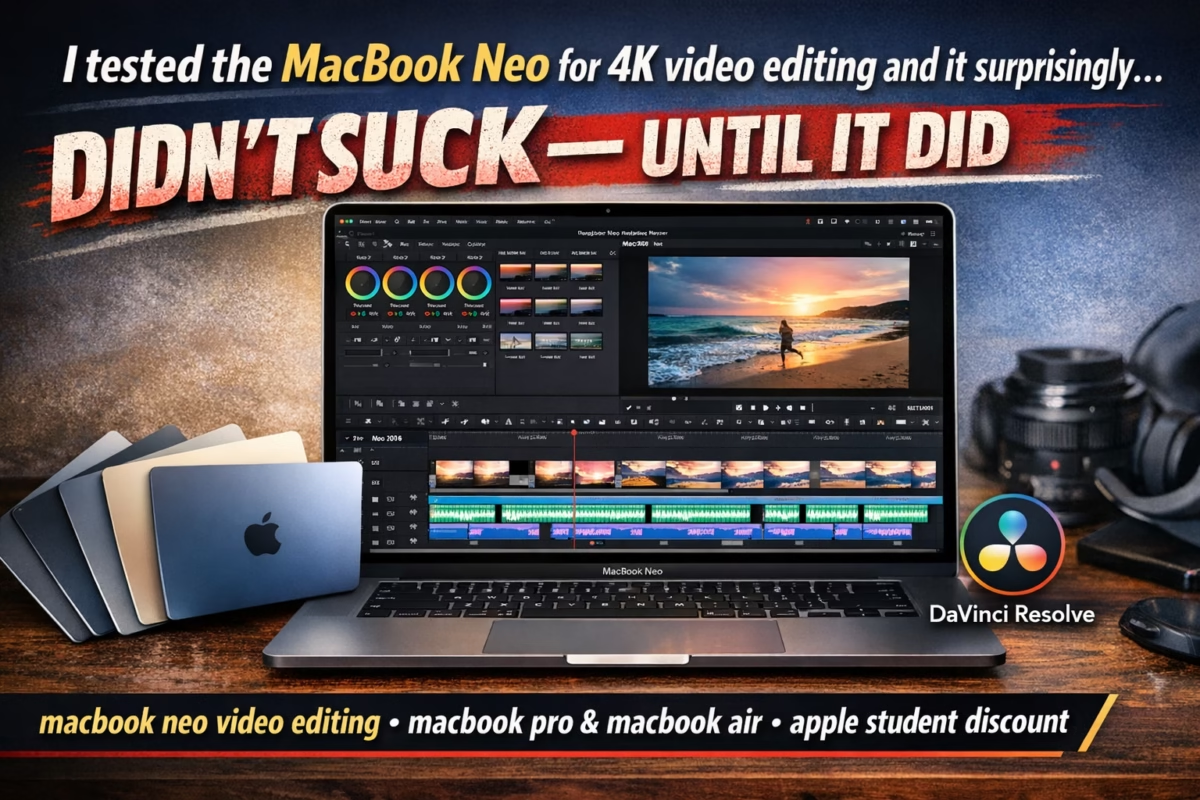
I Tested the MacBook Neo for 4K Video Editing and It Surprisingly Didn’t Suck — Until It Did
Apple has been on a mission to revolutionize the computing experience, and the new MacBook Neo is one of its boldest attempts yet. Marketed as a versatile machine capable of handling creative workloads, including 4K video editing, the MacBook Neo promises performance and portability in one sleek package. But does it really live up to the hype? I spent several days testing it with real-world 4K editing tasks, and the results were… interesting.
First Impressions
Unboxing the MacBook Neo feels like opening a premium device, as expected from Apple. The build quality is impeccable — it’s slim, lightweight, and sturdy. The screen immediately caught my eye; the colors on the MacBook Neo are vibrant, accurate, and perfect for video editing. For creators who rely on color grading in tools like DaVinci Resolve, this is a huge plus. The display supports a wide color gamut and high brightness, ensuring that footage looks realistic and vibrant.
Keyboard and trackpad performance were also impressive. The typing experience is comfortable, and the trackpad is precise, which is especially useful when navigating complex editing timelines.
Video Editing Performance
I tested the MacBook Neo on several 4K video projects in DaVinci Resolve and Final Cut Pro. Here’s what I noticed:
- Basic Cuts and Transitions: Surprisingly, the MacBook Neo handled simple cuts, transitions, and effects without breaking a sweat. Playback was smooth, and exporting short clips didn’t feel like a strain on the system.
- Color Grading and Effects: When working with high-end color grading and multiple adjustment layers, the MacBook Neo still held up. Its GPU handled effects reasonably well, and rendering times were acceptable for moderate projects.
- Multi-Camera Edits: Things started to slow down when I loaded multiple 4K camera angles in a single project. Playback became choppy, and the machine started to feel the heat. For short videos, this isn’t an issue, but for professional editors working on complex sequences, this could be a limitation.
- Rendering and Exporting: Exporting a full-length 4K project pushed the MacBook Neo to its limits. Rendering times were longer than expected for a machine in this price range, and the fan kicked in noticeably. It’s clear that while the MacBook Neo is capable, it’s not yet in the same league as a high-end MacBook Pro for heavy 4K workflows.
Thermal Performance
One of the most surprising aspects of my testing was thermal management. During light editing, the MacBook Neo remained cool and quiet. However, during prolonged 4K editing sessions, the device got warm, and the fans were audible. For creators planning to edit full-length 4K projects regularly, this is something to consider. Using a cooling pad or taking breaks might be necessary to avoid throttling performance.
Portability vs. Power
The MacBook Neo excels in portability. Its slim form factor and lightweight design make it perfect for students or creators who travel often. Apple even offers a MacBook Neo student discount, making it a more attractive option for college students who need a capable editing machine without breaking the bank. However, the portability comes with trade-offs — the performance ceiling isn’t as high as some of the more powerful MacBook Pro models, which are bulkier but better suited for demanding workflows.
Battery Life
Battery life is a strong point for the MacBook Neo. Even during moderate editing, I managed several hours of work without needing a charge. However, expect the battery to drain faster when editing 4K videos continuously. Still, for on-the-go editing or rough cuts, it’s a reliable companion.
Software Compatibility
The MacBook Neo works seamlessly with DaVinci Resolve, Final Cut Pro, Adobe Premiere, and other popular editing software. I didn’t encounter any major software issues during my testing. The Apple ecosystem integration, including iCloud syncing and AirDrop, made transferring footage and collaborating with other devices effortless.
When It Didn’t Impress
While the MacBook Neo performed admirably in many areas, it showed its limitations in high-intensity editing. Projects with multiple layers of 4K footage, advanced visual effects, or long timelines caused slowdowns and fan noise. For professional editors, a MacBook Pro or a desktop setup would be a better choice. It’s a capable machine for hobbyists, students, and creators working on simpler projects, but heavy-duty production may require more horsepower.
Should You Buy It?
If you’re looking for a portable, well-built laptop capable of handling 4K video editing in moderate projects, the MacBook Neo is a strong contender. Its excellent display, solid build, and good battery life make it ideal for creators who value mobility. However, if your workflow involves complex edits, multi-camera shoots, or heavy effects, consider investing in a MacBook Pro or an alternative machine with higher thermal tolerance and GPU performance.
FAQs About MacBook Neo and 4K Video Editing
Q1: Can the MacBook Neo handle full-length 4K films?
A: It can, but expect longer rendering times and potential heat buildup. For short-form content, it performs admirably.
Q2: How does the MacBook Neo compare to the MacBook Pro for video editing?
A: The MacBook Pro has better GPU performance, more RAM options, and superior thermal management, making it ideal for professional-grade projects. The MacBook Neo is more portable and budget-friendly.
Q3: Does the MacBook Neo support external monitors for color grading?
A: Yes, it supports external displays with high resolution, allowing for accurate color grading and multi-monitor setups.
Q4: Is DaVinci Resolve optimized for the MacBook Neo?
A: DaVinci Resolve runs well on the MacBook Neo for moderate projects. Heavy timelines may slow down playback.
Q5: Are there student discounts available for the MacBook Neo?
A: Yes, Apple offers a MacBook Neo student discount, making it more accessible for students and young creators.
Q6: How is the MacBook Neo’s battery life during video editing?
A: For moderate editing, battery life is impressive. Continuous 4K editing will drain it faster, but it’s still adequate for on-the-go tasks.
Q7: Can I use the MacBook Neo for gaming or 3D rendering?
A: It can handle light gaming and basic 3D rendering, but it’s not designed for heavy 3D workloads. Consider a high-end MacBook Pro or desktop GPU for intensive tasks.
Q8: How vibrant are the MacBook Neo colors for professional editing?
A: The display is one of the best features of the MacBook Neo. Colors are accurate, bright, and excellent for grading and creative work.
🎬 Elevate Your Videos with Master in Design
At Master in Design, we don’t just edit videos — we craft stories. Our professional video editing services give your content a natural, cinematic look that captures attention and leaves a lasting impact. Whether it’s for social media, YouTube, business promotions, or personal projects, we transform raw footage into polished, professional-quality videos.
With us, your videos won’t just look “edited” — they’ll look professional, captivating, and unforgettable.
Let Master in Design turn your ideas into visuals that speak louder than words.
📩 Contact us now to start your professional video editing journey.
📞 Contact Us: +92-300-1234567
📧 Email: info@masterindesign.com