
PSX Faces Another Setback as KSE-100 Falls 1,300 Points
February 17, 2026
Google Leak Hints Pixel 11 Face ID-Style Unlock in 2024
February 18, 2026
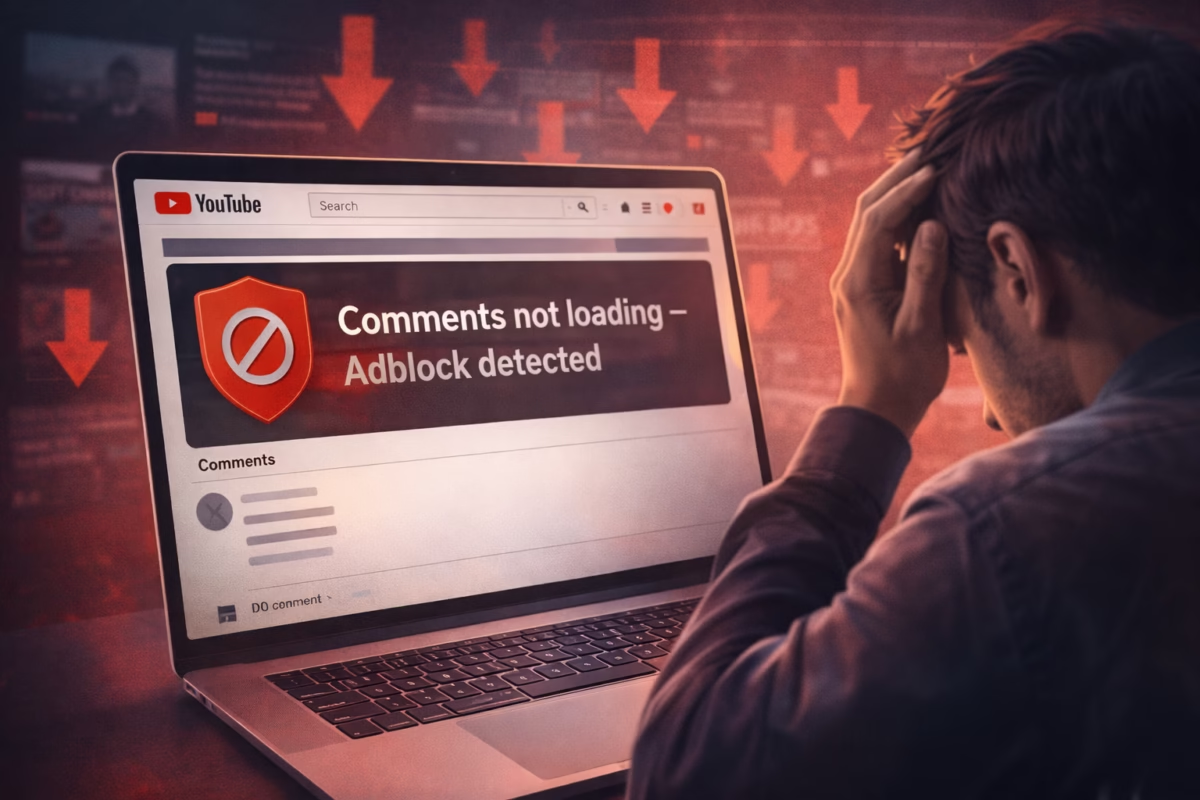
Comments on YouTube Videos Are Failing to Load and Anti-Adblock Measures May Be to Blame
YouTube users around the world are reporting a frustrating issue: comments on YouTube videos are failing to load, and many believe anti-adblock measures may be to blame. What first appeared to be a simple technical glitch is now being linked to YouTube’s ongoing crackdown on ad blockers.
For many viewers, the comments section — a key part of engagement on the platform — has either disappeared entirely or refuses to load. In some cases, even video descriptions are missing. The issue appears to affect users who have ad-blocking extensions enabled in their browsers.
What Is Happening?
Users report that videos themselves play normally, but:
- The comments section does not appear
- The description box is missing
- Page elements fail to load completely
- Refreshing sometimes fixes it — temporarily
This has sparked discussion across online communities, with many pointing to the current YouTube adblock situation as the likely cause.
How Does YouTube Detect Adblock?
YouTube has been actively strengthening its anti-adblock systems. So how does YouTube detect adblock tools?
Common detection methods include:
- Checking whether ad scripts load properly
- Detecting blocked ad requests
- Monitoring page behavior inconsistencies
- Identifying browser extension signatures
If YouTube detects an ad blocker, it may show warnings, limit playback, or restrict certain features. Now, users suspect that comments not loading may be part of this enforcement strategy.
Disable YouTube Ad Blocker Warning – Does It Fix the Issue?
Many users say that simply disabling their ad blocker resolves the issue immediately. If you are wondering how to fix adblock YouTube problems, here are common steps people are trying:
1️⃣ Temporarily disable your ad blocker on YouTube
Whitelisting YouTube often restores comments and descriptions instantly.
2️⃣ Clear browser cache and cookies
This can reset script conflicts.
3️⃣ Update your ad blocker filters
Outdated filters sometimes trigger detection systems.
4️⃣ Try another browser
Some browsers detect extensions differently.
While these methods may work, there is no official confirmation from YouTube explaining whether this behavior is intentional or a side effect of anti-adblock testing.
YouTube Not Allowing Ad Blockers – What Reddit Users Are Saying
Across discussion forums, including threads about “youtube not allowing ad blockers reddit” and “reddit ad block YouTube,” users are debating the platform’s approach.
Some claim the detection system has become more aggressive. Others believe the comments issue may be a technical side effect rather than a deliberate block.
A common theme in these discussions is frustration over the balance between:
- User experience
- Advertising revenue
- Creator monetization
- Subscription push toward Premium
How to Get Past YouTube Anti Adblock
Many users search for how to get past YouTube anti adblock restrictions. However, it’s important to understand that platforms continuously update detection systems.
Instead of trying to bypass restrictions, users typically have three legitimate options:
- Disable ad blocker for YouTube
- Accept ads as part of the free experience
- Subscribe to YouTube Premium
YouTube relies heavily on advertising revenue to pay creators and maintain infrastructure. As a result, anti-adblock enforcement is likely to continue evolving.
Best Adblock for YouTube Now?
Searches for “best adblock for YouTube now” have increased significantly. However, detection systems are updated frequently, and what works today may not work tomorrow.
Rather than focusing on bypass tools, many users are choosing selective whitelisting — allowing ads on platforms they use heavily while blocking intrusive ads elsewhere.
The Bigger Picture
The current YouTube adblock situation highlights a larger industry debate:
- Users want fewer intrusive ads
- Platforms depend on ad revenue
- Creators rely on monetization
- Companies push subscription models
If comments on YouTube videos are failing to load and anti-adblock measures are indeed responsible, it signals a shift toward stronger enforcement tactics — possibly limiting features instead of fully blocking access.
Final Thoughts
At the moment, the issue appears closely tied to ad blockers being enabled. If your YouTube comments are not loading:
✔ Try disabling your ad blocker temporarily
✔ Refresh the page
✔ Clear cache
✔ Test another browser
Until YouTube officially clarifies the situation, the safest assumption is that anti-adblock detection may be interfering with page functionality.
❓ Frequently Asked Questions (FAQs)
1. Why are comments on YouTube videos failing to load?
Comments on YouTube videos may fail to load due to browser issues, cache problems, or more recently, YouTube’s anti-adblock measures detecting active ad-blocking extensions.
2. Is the YouTube adblock situation causing comments to disappear?
Many users believe the current YouTube adblock situation is linked to comments not loading. Reports suggest that disabling ad blockers often restores the comments section.
3. How does YouTube detect adblock extensions?
If you’re wondering how does YouTube detect adblock, it typically checks whether advertising scripts load properly, monitors blocked ad requests, and identifies unusual browser behavior linked to ad-blocking tools.
Elevate Your Brand with MasterInDesign 🚀
Don’t let your business get left behind in today’s fast-paced digital world. At MasterInDesign, we specialize in helping brands stand out, engage audiences, and grow online.
Take the next step toward digital excellence. Contact us today and transform your brand into a powerful online