
Snapchat Friends-Only Update for Under 16 Users | New Teen Safety Features 2026
June 11, 2026
What Impact Will EU CEAS Asylum Law Really Have?
June 12, 2026
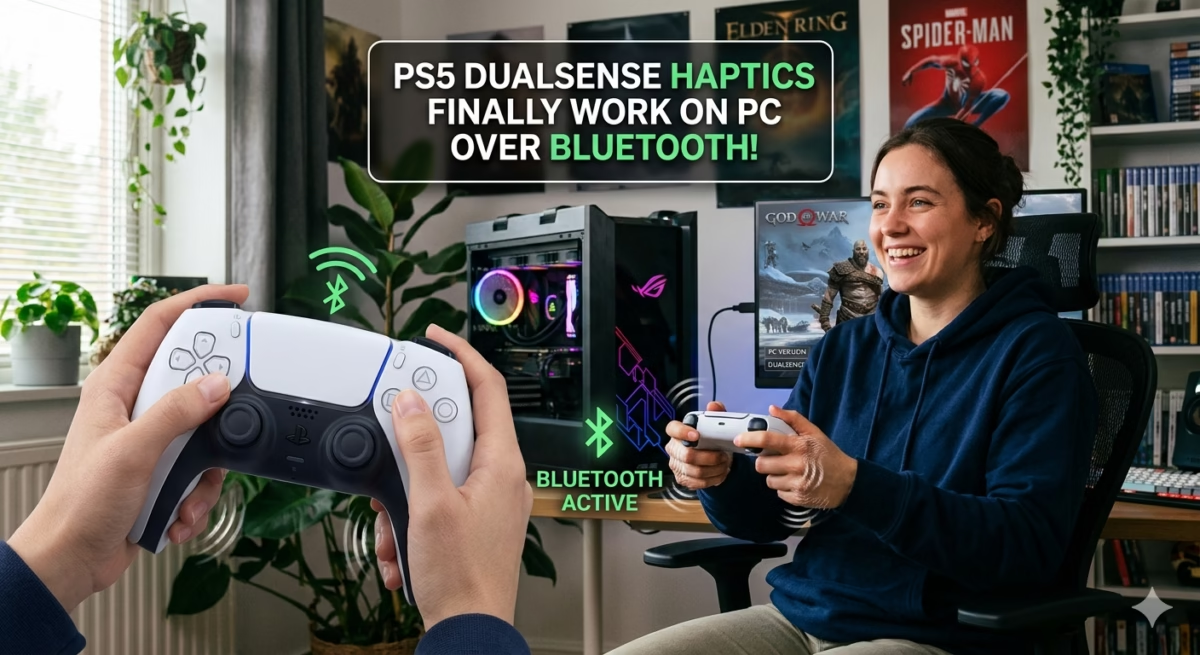
PlayStation 5 DualSense Haptics Finally Work Over Bluetooth on PC, But Sony Had Nothing to Do With It
The PlayStation 5 DualSense controller’s advanced haptic feedback and adaptive triggers are finally working over Bluetooth on PC—but surprisingly, Sony is not responsible for enabling it. Instead, the breakthrough comes from third-party software developers who have managed to unlock wireless haptic support on Windows.
This development is a major step forward for PC gaming, especially for players who prefer wireless gameplay without losing immersive controller features.
What’s New with DualSense on PC?
For years, PC players could only experience full DualSense features when using a wired USB connection. Bluetooth support was limited, and advanced haptics often did not function properly.
Now, thanks to community-developed tools, full haptic feedback can be used wirelessly over Bluetooth.
This includes:
- Advanced vibration patterns
- Improved tactile feedback
- More immersive in-game effects
- Wireless controller experience without losing features
However, this functionality is not officially supported by Sony.
Sony’s Role (or Lack of It)
Despite the improvement, Sony has not released any official PC driver or update enabling full wireless haptics.
Instead, the feature is being enabled through reverse engineering and software tools created by the PC modding community.
This means:
- No official Sony support
- No guaranteed compatibility across all games
- Performance depends on third-party tools
DSX: The Key to Wireless Haptics
One of the main tools enabling this feature is DSX, a popular paid PC utility designed specifically for PlayStation controller support.
DSX allows:
- Full DualSense haptic feedback on PC
- Adaptive trigger simulation
- Bluetooth wireless support improvements
- Game-specific controller profiles
This is currently the closest solution to native DualSense support on Windows.
DS4Windows Still Relevant
Another widely used tool is DS4Windows, originally designed for DualShock controllers but now supporting DualSense features as well.
It provides:
- Controller emulation
- Basic vibration support
- Input customization
- Compatibility with older and newer games
However, it does not fully match DSX in advanced haptic control.
Why PS5 Controller Has No Vibration on PC Bluetooth
Many users previously experienced issues where DualSense vibration did not work properly over Bluetooth.
Common reasons include:
- Windows generic Bluetooth drivers
- Lack of official Sony PC drivers
- Limited game-level support
- Missing haptic API integration
The new workaround fixes some of these limitations through software translation layers.
DualSense Haptic Feedback Explained
The DualSense controller includes advanced haptics that simulate textures and physical sensations in games.
Examples include:
- Walking on different surfaces
- Weapon recoil variations
- Environmental effects like rain or wind
- Tension in gameplay actions
These effects require precise software communication between game and controller.
DSX Haptic Feedback Wireless Support
DSX improves wireless gameplay by translating PC input signals into DualSense haptic responses over Bluetooth.
Key benefits:
- No USB cable required
- More immersive gameplay
- Game-specific vibration profiles
- Better latency handling compared to older methods
However, results still vary depending on the game engine.
Does Cyberpunk 2077 Support DualSense on PC?
Cyberpunk 2077 offers limited DualSense support on PC.
When using tools like DSX or USB connection:
- Adaptive triggers can work partially
- Vibration effects are supported
- Full console-level haptics are not guaranteed
Wireless Bluetooth haptics improve the experience but are still not fully native in most games.
DualSense Bluetooth Adapter for PC
Some users also use Bluetooth adapters to improve connectivity.
Benefits include:
- More stable connection
- Reduced input lag
- Better compatibility with controllers
However, the adapter alone does not enable haptics—you still need software support like DSX.
DualSense Dongle for PC
There is no official Sony DualSense dongle for PC that enables full haptic support.
Third-party dongles exist but:
- Do not add new features
- Only improve connectivity
- Rely on software for haptic control
PC Gaming Impact
This development shows how PC gaming communities often push hardware beyond official limits.
Benefits for players:
- More immersive controller experience
- Wireless freedom with advanced features
- Better parity with console gaming
Limitations still remain due to lack of official support.
Conclusion
DualSense haptics working over Bluetooth on PC is a major milestone, but it comes from community innovation rather than Sony itself. Tools like DSX and DS4Windows are bridging the gap between console and PC gaming, delivering a more immersive experience even without official drivers.
As PC gaming continues to evolve, demand for native DualSense support will likely grow, but for now, third-party tools remain essential.
FAQs
Does DualSense haptic feedback work on PC Bluetooth?
Yes, but only through third-party tools—not official Sony support.
What is DSX?
DSX is a PC application that enables advanced DualSense features like haptics and adaptive triggers.
Does DS4Windows support DualSense?
Yes, but with limited haptic functionality compared to DSX.
Why is there no vibration on PS5 controller on PC?
Because Windows does not natively support full DualSense haptics.
Does Cyberpunk 2077 support DualSense?
Yes, but only partially and usually better via USB or tools.